
Table of Contents
Introduction
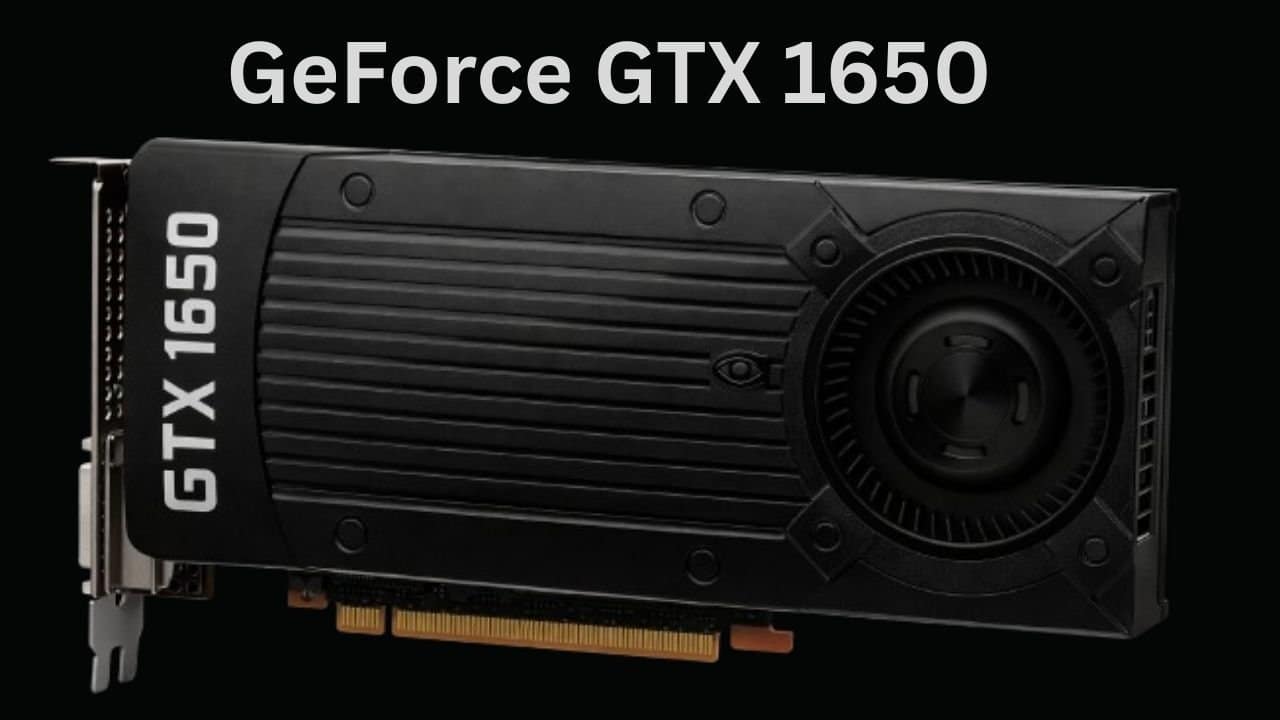
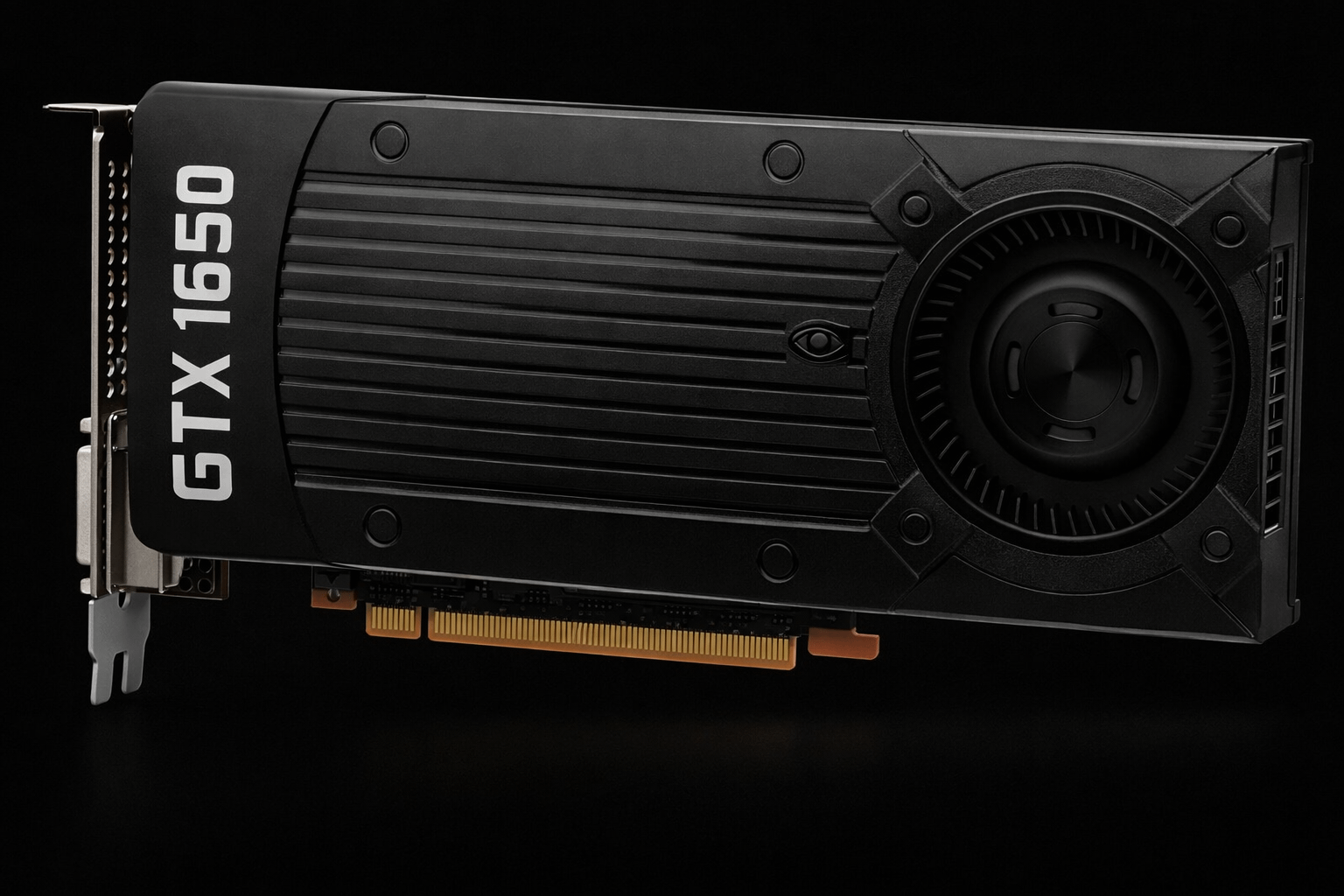
The GTX 1650 is one of NVIDIA’s most widely used entry-level gaming cards, known for low power consumption and simple installation in prebuilt or budget desktops. It doesn’t promise high-end performance, but it was designed to run esports titles and older AAA games at 1080p smoothly.
Specs alone don’t tell the full story, real-world performance is what matters. In this review, we break down how this card actually performs today.
Specifications
| Specification | GTX 1650 |
|---|---|
| Architecture | Turing (TU117) |
| CUDA Cores | 896 |
| Base Clock | 1485 MHz |
| Boost Clock | 1665 MHz |
| Memory | 4GB GDDR5 / GDDR6 |
| Memory Bus | 128-bit |
| TDP | 75W |
| Power Connector | None |
| Release Date | April 2019 |
Note: Performance varies depending on memory type. GDDR6 models are faster, especially in memory-heavy games, while GDDR5 models are the most common and widely available.
GTX 1650 Variants
GDDR5 Models:
These are the standard 4GB cards. They offer lower memory bandwidth and slightly lower FPS in modern titles. Most budget PCs and prebuilt systems use these.
GDDR6 Models:
Higher memory bandwidth improves minimum FPS and frame pacing in games that rely on VRAM speed. If available, these are recommended for a smoother experience in modern titles.
Note: Even with the same memory type, different brands and cooling designs can cause small FPS differences.
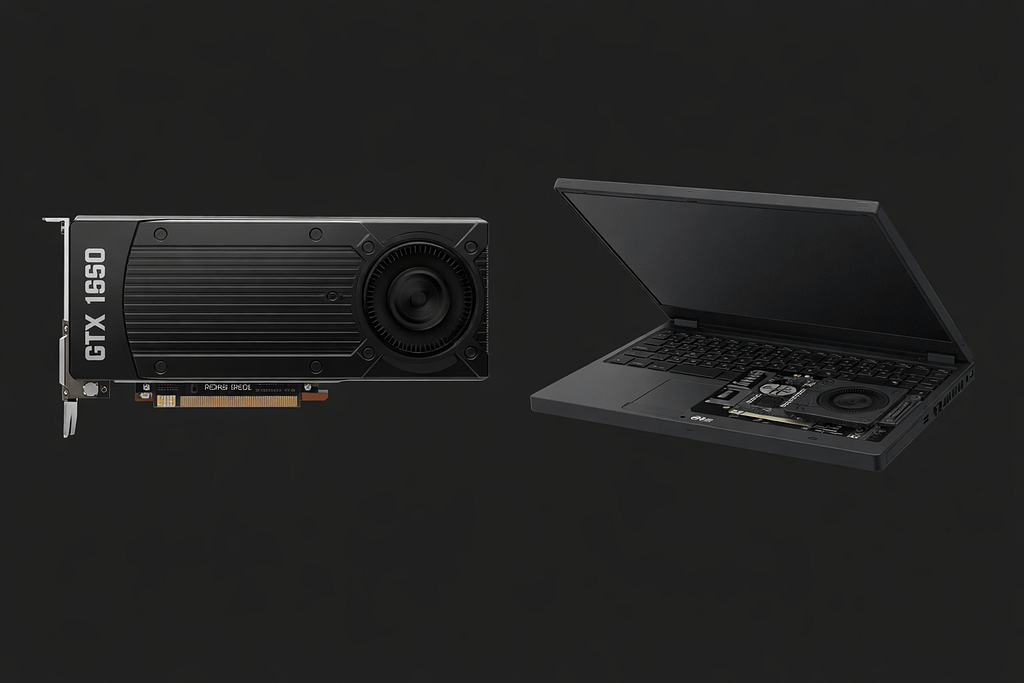
Desktop vs Laptop GTX 1650
| Desktop | Laptop / Max-Q |
|---|---|
| Full 75W power budget | Reduced power limits → lower clocks |
| Higher sustained clocks | Performance depends on cooling & model |
| Stable FPS across games | Cannot be directly compared to desktop benchmarks |
Note: Laptop thermals and clocks vary a lot depending on design. Slim laptops will generally underperform compared to a desktop, even with the same GPU.
1080p Gaming Performance
Esports Titles
Games like CS2, Valorant, Fortnite, and Rocket League often exceed 60 FPS at high settings on this card. Competitive play is smooth, with minimal stutters.
AAA Games
Modern AAA titles run comfortably at medium settings. High/ultra settings may drop below smooth FPS. Older AAA games handle well, offering consistent frame rates.
Note: Games often exceed 60 FPS, but a GPU Stress Test shows if performance stays stable under load.
GTX 1650 vs GTX 1650 Super
| Card | CUDA Cores | Memory | Memory Bus | TDP | Performance Notes |
|---|---|---|---|---|---|
| GTX 1650 | 896 | 4GB | 128-bit | 75W | Budget-friendly, decent 1080p |
| GTX 1650 Super | 1280 | 4GB | 128-bit | 100W | 30–40% higher FPS in modern titles |
Note: If your budget allows and your PSU supports it, the 1650 Super is the better long-term option.
Power Consumption & Efficiency
This card is very power-efficient, drawing around 60–70W under gaming load. No external power connector is needed, making it ideal for budget builds or older systems with 300–400W PSUs. Installation is straightforward, and it doesn’t add unnecessary load to your system.
Thermals & Noise
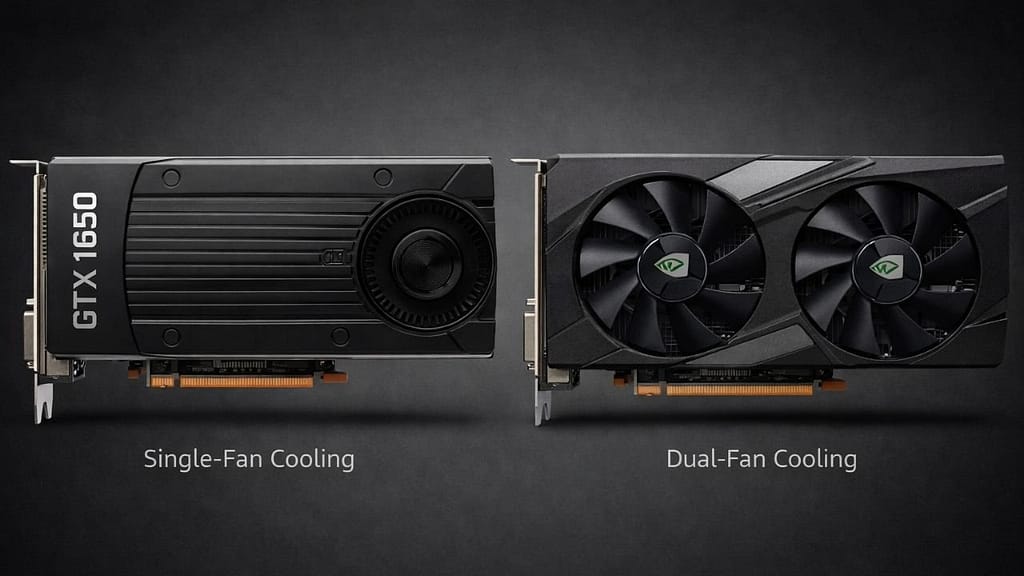
Cooling mostly depends on the card design. Single-fan models run warmer and the fan can get noticeable during long gaming sessions, while dual-fan variants stay cooler and quieter. In a desktop with decent airflow, this usually keeps thermals under control. Laptops vary, so expect lower sustained clocks and slightly higher temps in slimmer designs.
Drivers & Software Support
The GTX 1650 still gets regular NVIDIA driver updates, which means most new games just work without any drama. DLSS isn’t supported here, so don’t expect those fancy AI upscales, but NVIDIA Image Scaling (NIS) can help squeeze a bit more performance if needed.
For a budget card, driver experience is straightforward, install, update, and play. You don’t have to worry about random crashes or compatibility headaches. It just does its job, letting you focus on gaming rather than fiddling with settings.
Is GTX 1650 Still Worth It in 2026?
Worth it if:
- You play esports titles
- You upgrade an older PC
- Low power draw is important
- Buying a used card at the right price
Not worth it if:
- You want ultra AAA settings
- You expect future-proof performance
Alternatives to GTX 1650
Here’s how this card compares with a few older and stronger alternatives.
| Card | CUDA Cores | Memory | Memory Bus | TDP |
|---|---|---|---|---|
| GTX 1650 | 896 | 4GB | 128-bit | 75W |
| GTX 1660 Super | 1408 | 6GB | 192-bit | 125W |
| GTX 660 | 960 | 2GB | 192-bit | 140W |
| GTX 650 Ti Boost | 768 | 2GB | 192-bit | 134W |
For a closer look at how the GTX 1650 stacks up against the GTX 1660 Super and RTX 3060, check out our GTX 1650 vs 1660 Super vs 3060 comparison
Final Verdict
If you’re on a budget and mainly play esports or older games at 1080p, this card is a solid pick. Games like Fortnite, CS:GO, and Rocket League run smooth, no drama. Don’t expect to crank ultra settings in the newest AAA titles, it’ll struggle there.
It’s easy to slot into an older PC, it doesn’t draw much power, and won’t burn a hole in your wallet. Simple, dependable, and does exactly what it’s supposed to do.
